01
Playback starts with the basics
Stable broadband and the right player help reduce interruptions. Playback quality varies with your connection and available streams.
Meet Gamma TV. A simpler way to explore live television, streaming devices, and subscription options. Find the right fit for the way you watch.
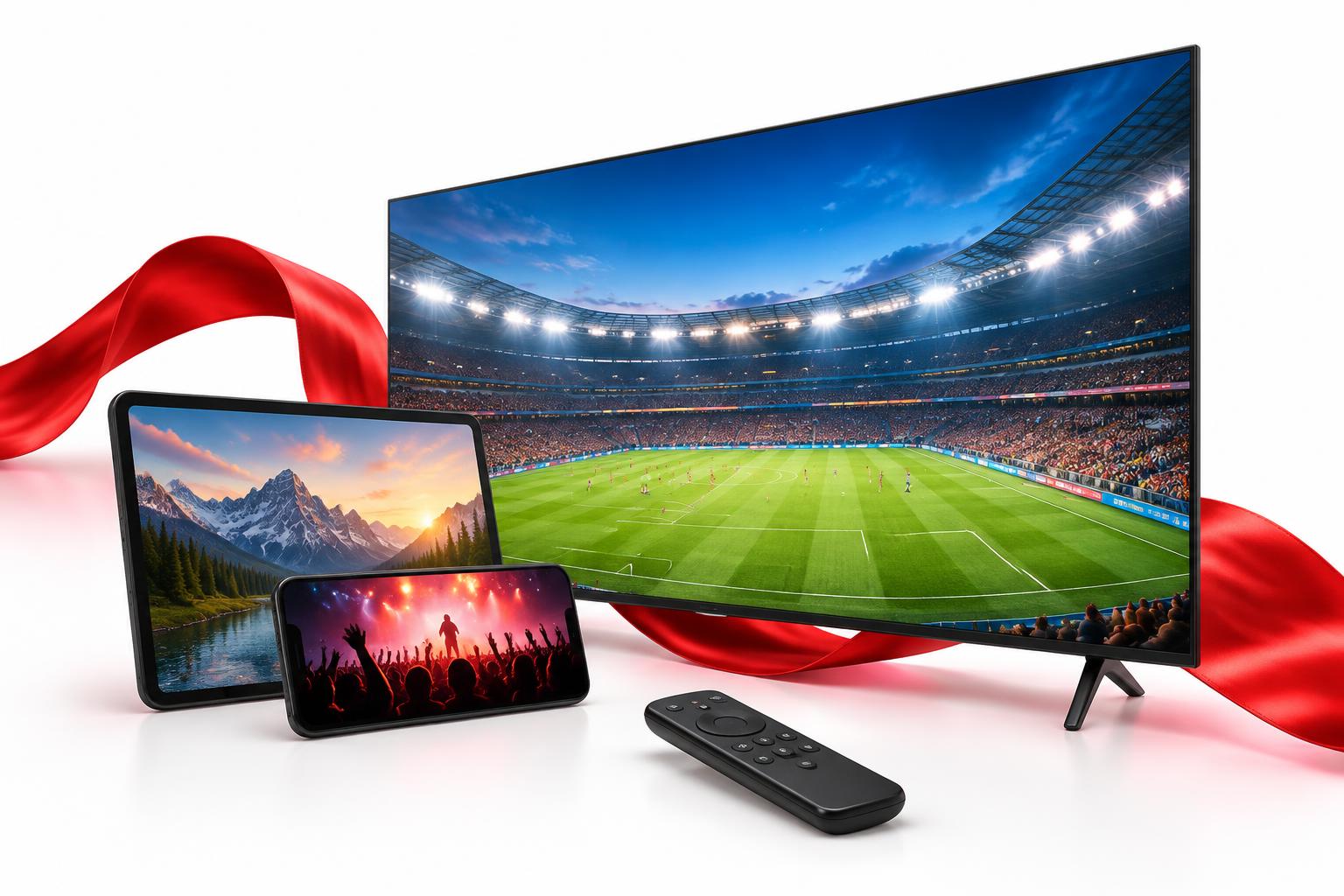
Gamma TV guidance for households in the USA and Canada. Better-informed setup, clear package details, and no zero-lag promises.
Stable broadband and the right player help reduce interruptions. Playback quality varies with your connection and available streams.
Tell us where you watch. Confirm the current licensed lineup and regional availability with Gamma TV before choosing a package.
Explore the Smart TV, Fire TV, Android TV, Apple TV, mobile, and computer options already covered by our device guidance.
An Ethernet connection may help reduce Wi-Fi interference. Our setup guide covers practical checks before your first stream.
Compare the actual USD price, subscription duration, and simultaneous connections. Confirm programming and service terms before payment.
Contact the Gamma TV team about your model, player, or package. Support availability and response times are not guaranteed.
Gamma TV brings the conversation back to what you want to watch. Explore Gamma TV programming categories, then confirm the licensed lineup for your location. With Gamma TV, start with the details that matter to your household.
Discover the categories you enjoy, from daily news to family entertainment. Confirm what is available in your location.
Ask about sports, movies, and on-demand programming in the licensed package offered.
Check the details, compare subscription lengths, and choose around your household.
Explore Gamma TV compatibility for the devices you already own. Before choosing Gamma TV, confirm your model and the right IPTV player. Gamma TV setup guidance helps you understand the next step.
Gamma TV makes room for the questions that come before a subscription. Compare Gamma TV durations, ask about simultaneous screens, and check programming availability. Choose Gamma TV only when the service details fit your needs.
Clear information about programming, plans, and device requirements before a purchase.
Practical guidance on your internet connection and supported streaming player.
Send your device and subscription questions directly to the service team.
Start with a Gamma TV plan enquiry. Confirm your Gamma TV device requirements and connection. Follow the Gamma TV setup guide using the account details supplied by your authorized provider.
Explore subscription options and confirm the package that suits your household.
Find a compatible player and review the setup instructions for your screen.
Use your authorized account details and ask for help if you need it.
The Gamma TV journal explores IPTV setup, device choices, and troubleshooting. Read Gamma TV guides for useful context before installing a player. Gamma TV articles focus on practical answers, not promises.
A thoughtful first step to choosing a compatible player.
Read the guideThe basics to check before your first stream.
Read the guideUnderstand the terms that matter to your household.
Read the guideSample review placeholders — not actual customer testimonials. No customer ratings have been published.
“A customer’s device setup experience will appear here.”
“A customer’s thoughts on choosing a package will appear here.”
“A customer’s everyday viewing experience will appear here.”
“A customer’s connection and playback experience will appear here.”
“A customer’s experience with support will appear here.”
“A customer’s story about Gamma TV will appear here.”
Talk to the Gamma TV team about your setup or subscription.
Everything starts with knowing your options.
We’re here for the questions that matter.
Gamma TV is a television subscription and streaming information platform. Gamma TV service details, licensed programming, and availability must be confirmed before you subscribe.
Gamma TV compatibility depends on your device model and supported player. Ask the Gamma TV team about Smart TVs, Fire TV Stick, Android TV, Apple TV, and mobile devices.
Compare Gamma TV subscription durations and request current pricing. Confirm the Gamma TV screen limit, channel availability, and renewal terms before making a decision.
Begin with the Gamma TV setup guide and a compatible player from a trusted app store. Enter only the Gamma TV account details supplied by your authorized service provider.
Send the Gamma TV team a message with your device model and a description of the issue. Never include your Gamma TV password or payment details in a support message.
Ask about Gamma TV plans, confirm your device, and take the next step when you’re ready.